Help desk and user support
Start here when employees need fast help with workstations, access, printers, applications, Microsoft 365, or recurring tickets that interrupt the day.
Route small business support
Pierce Computer Consulting helps Minnesota teams get fast remote IT support for user issues, Microsoft 365, security questions, vendor coordination, and recurring problems, with Twin Cities, Bloomington, Edina, and St. Paul escalation when the work needs hands-on follow-through.
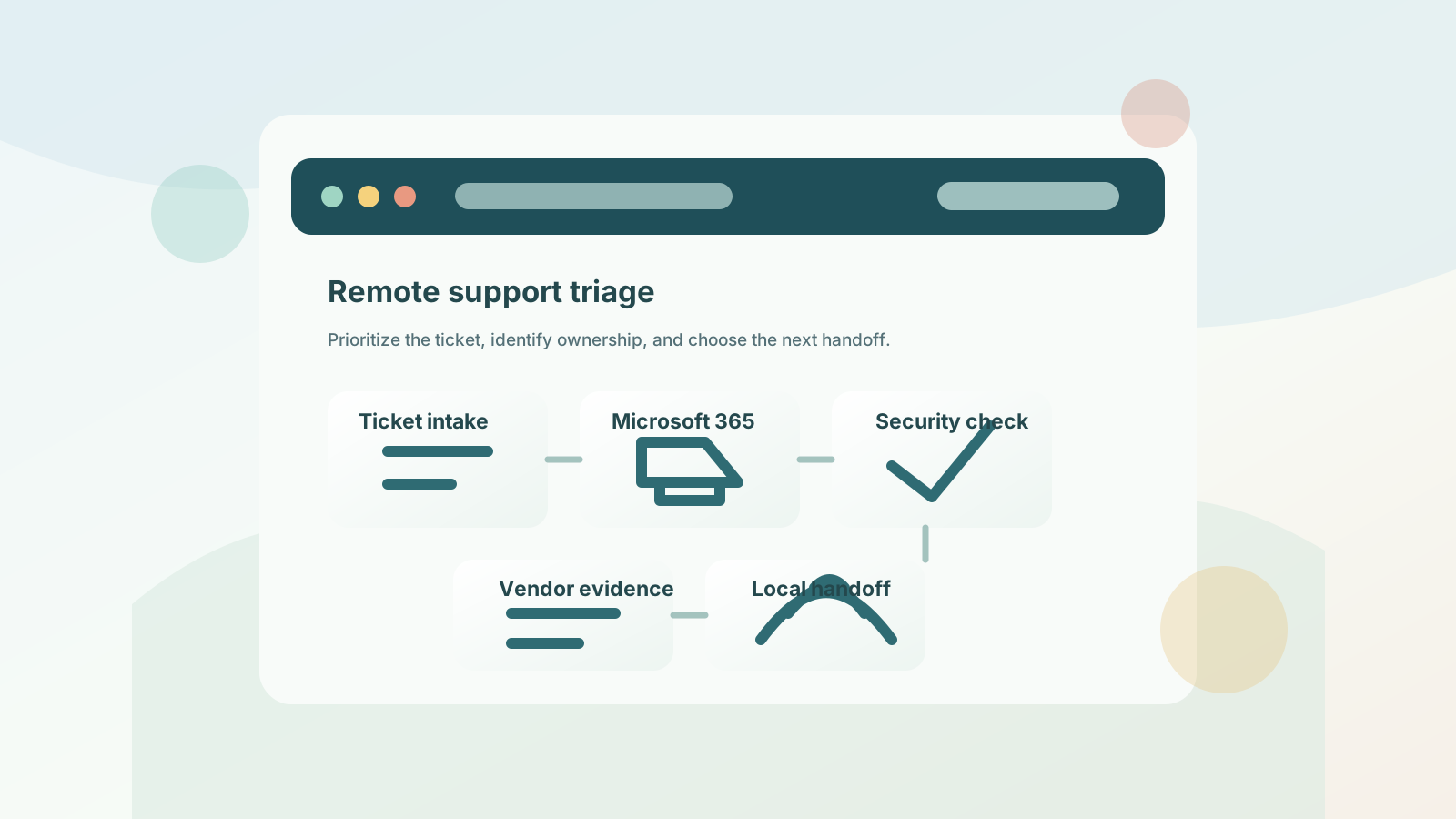
Remote support is often the fastest way to start: clarify impact, gather screenshots or error messages, check access, review Microsoft 365 settings, coordinate vendors, and decide whether the issue is a one-time fix, a free assessment opportunity, or a pattern that needs a better support model.
Start here when employees need fast help with workstations, access, printers, applications, Microsoft 365, or recurring tickets that interrupt the day.
Route small business supportUse this path for Outlook, Teams, SharePoint, OneDrive, licensing, onboarding, offboarding, MFA, permissions, and tenant cleanup.
Fix Microsoft 365 issuesUse this path when remote tickets keep coming back and you want PierceCC to help prioritize support ownership, Microsoft 365 risk, security questions, vendor loops, and local follow-through.
Request a free assessmentUse this path when remote tickets reveal unclear support ownership, weak documentation, Microsoft 365 drift, backup uncertainty, or recurring user friction.
Start an IT assessmentUse this path when leadership is comparing remote help desk coverage, monthly support scope, project work, security tasks, and local escalation expectations.
Review pricing scopeUse this path when MFA, endpoint protection, access reviews, backup evidence, ransomware readiness, or client security questions need attention.
Review cybersecurity supportUse this path when a workstation, cloud app, network service, Microsoft 365 issue, or vendor platform is interrupting work right now.
Start emergency supportUse this path when remote support needs to become a predictable operating rhythm with monitoring, documentation, reporting, and vendor ownership.
Compare managed IT coverageUse this path when cabling, Wi-Fi, VoIP phones, switches, internet handoffs, device setup, or vendors require Twin Cities on-site coordination.
Plan on-site escalationA good remote session should do more than chase symptoms. It should protect the workday, identify the right owner, and show whether the business needs a quick fix, a documented process, or a broader service path.
Start by identifying who is blocked, which system matters most, what changed recently, and whether the problem affects one user, a department, or the whole business.
Many remote issues trace back to Microsoft 365, MFA, passwords, permissions, devices, or shared accounts. Clarifying access first keeps troubleshooting from wandering.
When the issue touches internet, line-of-business software, phones, printers, or cloud apps, remote triage should gather evidence and coordinate the next vendor handoff.
If the issue points to Wi-Fi, cabling, phones, device setup, network hardware, or an on-site vendor project, PierceCC can help define the hands-on follow-through needed in the Twin Cities.
The first remote session moves faster when the request includes enough context to protect the workday, choose the right owner, and avoid unnecessary vendor loops. Gather what is safe and available; PierceCC can help sort the rest during triage.
Some remote issues stay remote. Others reveal a local office, device, network, vendor, or planning need. These paths help Minnesota visitors choose the right route after the first triage conversation.
Use the Minneapolis page when remote help desk issues connect to managed IT, emergency support, provider comparison, Microsoft 365, cybersecurity, backup readiness, networking, or office move planning.
Review Minneapolis IT supportUse the Twin Cities IT support page when remote tickets connect to managed IT, co-managed support, emergency response, Microsoft 365, cybersecurity, recovery, or hands-on metro follow-through.
Review Twin Cities IT supportUse the St. Paul page when the business is local to the east metro and needs remote help desk response, provider comparison, office move planning, cybersecurity, or Microsoft 365 support with local context.
Review St. Paul IT supportUse the Bloomington page when remote tickets reveal local help desk, Microsoft 365, provider-comparison, recovery, office move, network, or vendor follow-through needs in the south metro.
Review Bloomington IT supportUse the Edina page when remote support points to recurring tickets, Microsoft 365 administration, managed IT, cybersecurity, network reliability, vendor ownership, or on-site coordination near the west metro.
Review Edina IT supportUse the Andover page when remote tickets point to recurring support, Microsoft 365 administration, cybersecurity, backup recovery, network work, vendor coordination, or local escalation in the north metro.
Review Andover IT supportUse the services hub when a remote issue could become managed IT, co-managed IT, emergency support, pricing and scope planning, provider comparison, security work, recovery planning, or consulting.
Compare service pathsTroubleshoot account access, workstation issues, Microsoft 365 errors, printer problems, software friction, and recurring tickets before they drain the day.
Review MFA, user access, endpoint protection, backup evidence, vendor access, and cyber insurance questions without turning the process into guesswork.
Use remote triage to separate cloud, device, internet, Wi-Fi, cabling, phone, or vendor causes so any on-site work is targeted.
Yes. Pierce Computer Consulting starts remote-first for speed and supports Minnesota businesses that need help desk response, Microsoft 365 troubleshooting, security guidance, vendor coordination, and escalation planning. On-site work is coordinated in the Twin Cities when hands-on support is needed.
Remote support can often help with Microsoft 365, Outlook, Teams, SharePoint, user accounts, MFA, workstation issues, software questions, printer troubleshooting, vendor escalation, security checks, backup questions, and triage for outages or recurring problems.
Bring the affected user, device name, error message or screenshot, timing, recent changes, business impact, vendor contact if one is involved, and whether the issue affects one person or many people. That context helps remote support triage faster and decide whether a broader assessment is needed.
Include the affected user and device, location, exact error or screenshot, when the issue started, recent changes, vendor ticket details, business impact, security or backup concerns, and the person who can approve the next step if remote triage points to emergency support, local hands-on work, a free IT assessment, or managed IT planning.
Yes. If the issue is recurring, touches several systems, involves unclear vendor ownership, or raises questions about Microsoft 365, security, backup, pricing scope, or local follow-through, a free IT assessment can help prioritize the next support path before the business commits to a larger plan.
On-site work may be needed for cabling, Wi-Fi coverage, network hardware, device deployment, VoIP phones, internet handoffs, physical equipment failure, or vendor work that cannot be completed remotely. Remote triage helps define what needs to happen before a visit is scheduled.
Yes. If remote tickets reveal recurring issues, unclear vendor ownership, weak documentation, security gaps, backup uncertainty, or support scope that changes every month, PierceCC can help turn those patterns into a managed IT plan with monitoring, standards, reporting, and planning.
Yes. Remote support conversations often reveal whether the business needs occasional help, emergency triage, Microsoft 365 administration, co-managed support, managed IT services, cybersecurity work, pricing and scope guidance, or a practical IT assessment before choosing a provider.
Remote triage can usually start the same way: clarify impact, gather evidence, check Microsoft 365 or device access, and identify the likely owner. If the issue points to cabling, Wi-Fi, phones, workstations, internet handoffs, or an office move, PierceCC can route the next step toward Andover, Bloomington, Edina, St. Paul, or broader Twin Cities local follow-through.
Start with a consultation so PierceCC can understand what is happening, who is affected, what evidence or vendor details are available, where your team works, what can be handled remotely, and whether your Minnesota business needs emergency triage, Microsoft 365 help, managed IT, cybersecurity, pricing guidance, networking, Andover, Bloomington, or Edina local follow-through, a free assessment, or an assessment checklist next.