Managed IT services
A fit for St. Paul teams that need recurring support, monitoring, patching, backup follow-through, Microsoft 365 administration, and clearer technology ownership.
Review managed IT services
Pierce Computer Consulting helps St. Paul and Twin Cities teams reduce downtime, secure Microsoft 365, coordinate vendors, improve network reliability, compare provider options, plan office changes, validate backups, and move recurring support problems into a clearer managed or co-managed IT plan.
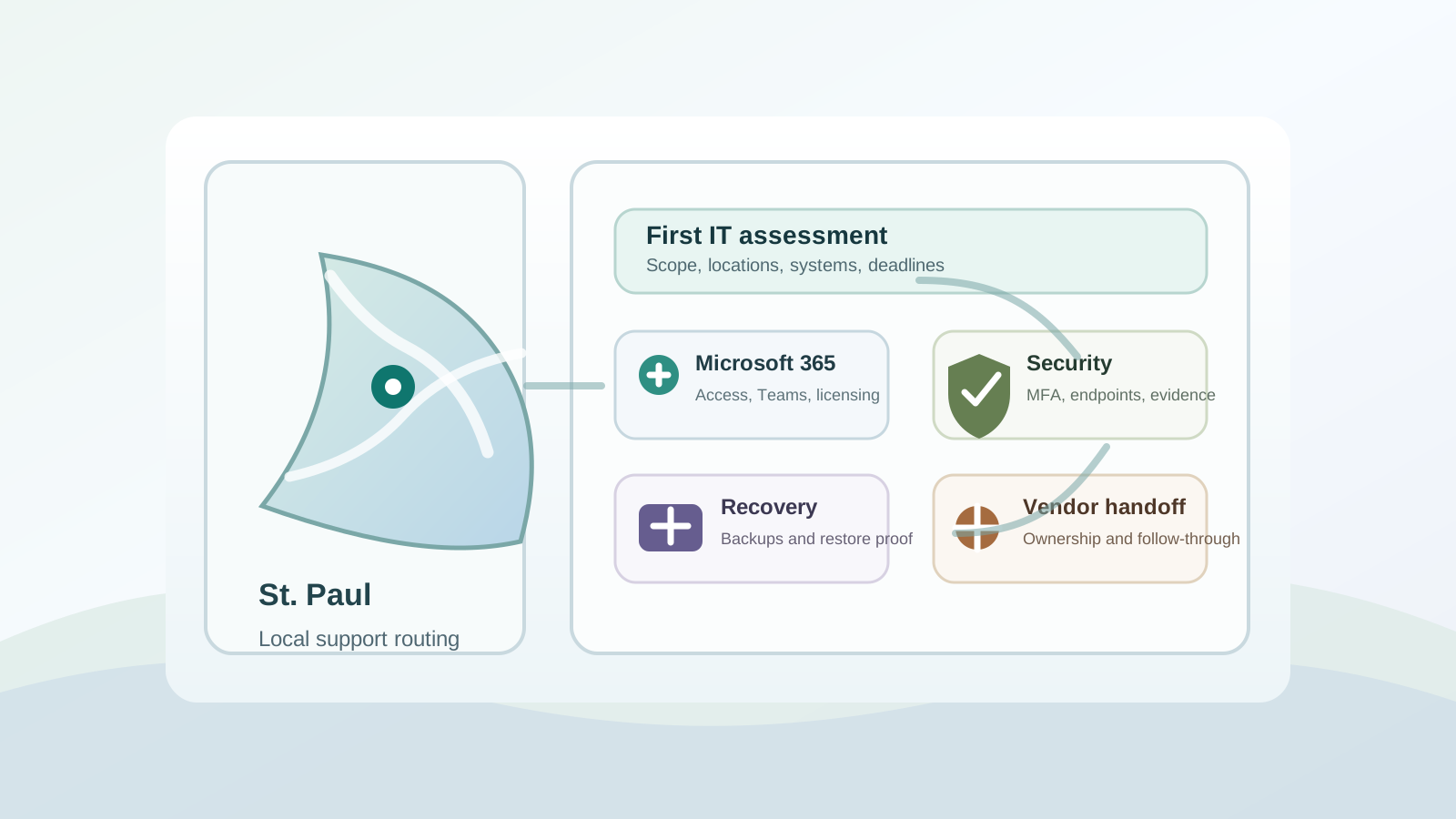
Some St. Paul teams need urgent recovery. Others need a steadier managed support model, remote help desk coverage, co-managed capacity, Microsoft 365 cleanup, office move planning, security follow-through, backup proof, or better network reliability. These paths route visitors to the service page that best matches the need.
A fit for St. Paul teams that need recurring support, monitoring, patching, backup follow-through, Microsoft 365 administration, and clearer technology ownership.
Review managed IT servicesUse this path when an internal IT owner needs help desk overflow, senior escalation, Microsoft 365 administration, security project support, or documentation cleanup.
Support your internal IT teamUse this path when distributed staff, recurring tickets, Microsoft 365 access issues, vendor follow-up, or remote help desk coverage need faster support with local escalation available.
Route remote support needsUse this path when a server, workstation, network, vendor platform, or Microsoft 365 issue is interrupting work and needs fast triage.
Start emergency triageFor teams responding to cyber insurance requests, ransomware concerns, MFA gaps, endpoint protection needs, backup testing, or security documentation pressure.
Explore cybersecurity servicesHelp with Outlook, Teams, SharePoint, OneDrive, licensing, onboarding, account security, and tenant administration for busy Minnesota teams.
Fix Microsoft 365 frictionUse this path when a St. Paul office move, remodel, suite change, buildout, or vendor cutover needs coordinated internet, cabling, Wi-Fi, phones, workstations, and Microsoft 365 continuity.
Plan the IT moveSupport for office moves, internet handoffs, switches, wireless coverage, phones, cabling vendors, and recurring connectivity problems.
Improve network reliabilityUse this path when leadership needs proof that backups restore, Microsoft 365 recovery assumptions are documented, and outage plans are practical.
Validate recovery readinessNot every visitor is ready to name a service. Some are comparing IT proposals, preparing a budget, sorting out vendor ownership, answering a security questionnaire, or trying to understand whether recurring problems need a free IT assessment, managed IT, co-managed help, consulting, or a focused checklist first.
Use the offers page when the issue is still broad and you want PierceCC to help prioritize downtime, Microsoft 365, cybersecurity, backup, network, vendor, pricing, or provider questions before selecting a service.
Request a free IT assessmentUse the provider comparison guide when renewal timing, response expectations, monthly scope, vendor ownership, cybersecurity, backups, or transition risk need a second look before changing providers.
Compare IT support providersUse the pricing and scope guide when budget, user count, response expectations, security requirements, or project boundaries need to be sorted before choosing a provider.
Review pricing and scope factorsUse the assessment checklist to organize downtime patterns, Microsoft 365 issues, cybersecurity gaps, backups, network reliability, and vendor ownership questions.
Start the assessment checklistUse cyber insurance readiness when carriers, clients, boards, or partners need clearer evidence around MFA, endpoint protection, access controls, backups, and response planning.
Prepare security evidenceUse IT consulting when St. Paul decision-makers need vendor review, project planning, Microsoft 365 direction, security priorities, or a second opinion before spending.
Explore IT consultingSt. Paul searches often start with one office or outage, but the real support footprint may include leadership in Minneapolis, staff in Bloomington or Edina, vendors across the Twin Cities, or remote users who still need local device, network, and office follow-through.
Use this route when the support footprint spans St. Paul, Minneapolis, suburbs, remote staff, vendors, or several offices across the metro.
Route metro-wide supportUse this path when decision-makers, users, vendors, or office locations connect St. Paul support needs with Minneapolis operations or Hennepin County follow-through.
Review Minneapolis supportUse this local route when teams, clinics, offices, devices, network work, or vendors connect St. Paul operations with Bloomington or the south metro.
Review Bloomington supportUse this local route when St. Paul buyers also need west-metro coordination for offices, leadership, staff, Microsoft 365, vendors, devices, or network follow-through.
Review Edina supportLocal buyers often search by industry because the risk is tied to a real workflow: donor data, patient schedules, client deadlines, jobsite access, leasing-office uptime, or production commitments. These pages help route St. Paul and east-metro visitors into more specific service guidance.
Budget-aware support for Microsoft 365, donor and staff data, volunteer access, remote work, security evidence, backups, and board-ready planning.
Review this industry pathWorkflow-aware support for patient-facing offices, secure access, devices, networks, backup readiness, vendor coordination, and security documentation.
Review this industry pathSupport for practice management access, imaging workflows, operatory devices, patient-data safeguards, Microsoft 365, backups, networks, and vendors.
Review this industry pathDeadline-sensitive support for client files, Microsoft 365 governance, secure remote access, provider comparison, backup readiness, and legal vendors.
Review this industry pathTax-season readiness, client data protection, Microsoft 365 support, remote access, backup confidence, and dependable deadline support.
Review this industry pathSupport for advisors, insurance agencies, and finance teams that need Microsoft 365 security, client data safeguards, backup validation, vendor coordination, and security questionnaire readiness.
Review this industry pathSupport for field access, project files, jobsite connectivity, Microsoft 365, device support, backup planning, vendors, and office changes.
Review this industry pathLeasing-office support, tenant communications, shared devices, property Wi-Fi, Microsoft 365, backups, cybersecurity basics, and vendor handoffs.
Review this industry pathNetwork reliability, production uptime, shop-floor devices, vendor escalation, backups, security basics, and support planning for operations that cannot absorb preventable downtime.
Review this industry pathLocal teams often need a practical blend of fast remote response, hands-on escalation, vendor coordination, security documentation, recovery confidence, and plain-language reporting that leadership can act on.
Yes. Pierce Computer Consulting supports St. Paul and Twin Cities businesses with remote-first IT support and on-site escalation when hardware, networking, cabling, device deployment, office moves, or vendor coordination requires local help.
Recurring issues are usually a sign to evaluate managed IT services. A managed plan can bring tickets, patching, monitoring, backups, Microsoft 365 administration, vendor ownership, and security follow-through into one predictable rhythm.
Yes. Co-managed IT support can add help desk capacity, monitoring, Microsoft 365 administration, documentation, cybersecurity project help, backup validation, and senior escalation while your internal owner keeps business priorities moving.
Yes. Many St. Paul support needs can start remotely, including Microsoft 365 issues, account access, user support, ticket triage, vendor follow-up, and recurring support patterns, with local escalation when hardware or networks require hands-on work.
Yes. Many Minnesota support needs cross city lines because staff, decision-makers, vendors, offices, and devices are spread across the metro. PierceCC can start with the St. Paul issue and route follow-through into Minneapolis, Twin Cities, Bloomington, Edina, remote support, or the most relevant service path.
Yes. Many St. Paul support conversations involve both productivity and security, including Outlook, Teams, SharePoint, licensing, MFA, account cleanup, endpoint protection, backup validation, and cyber insurance documentation.
Yes. PierceCC can help clarify what a proposal includes, where responsibilities are unclear, how Microsoft 365, cybersecurity, backups, vendors, and response expectations are handled, and whether managed or co-managed support is the better fit.
Yes. A free IT assessment is a useful first step when the issue may involve downtime, recurring tickets, Microsoft 365, cybersecurity, backups, vendor ownership, pricing, or provider fit and leadership needs help choosing the right path before committing to a support model.
Yes. PierceCC helps plan the IT pieces around moves and office changes, including internet handoffs, cabling, Wi-Fi, phones, workstations, Microsoft 365 continuity, vendor coordination, and day-one support needs.
Active outages and business disruption are routed toward emergency triage. Recurring support needs, security risk, Microsoft 365 cleanup, network reliability, recovery planning, provider comparison, free assessment requests, and budgeting questions are routed toward the most relevant service path and assessment conversation.
A stronger first request helps PierceCC route St. Paul visitors into the right support path faster, especially when the issue crosses offices, systems, vendors, or local service areas.
Share what is happening, what systems are affected, where the affected staff or offices are located, who owns the current IT tools and vendors, and whether the priority is urgent recovery, provider comparison, free IT assessment, remote support, ongoing support, cybersecurity, Microsoft 365, backup readiness, office-change planning, or network reliability. We will help route the next step.
Schedule an In-Person IT Assessment