New-hire setup
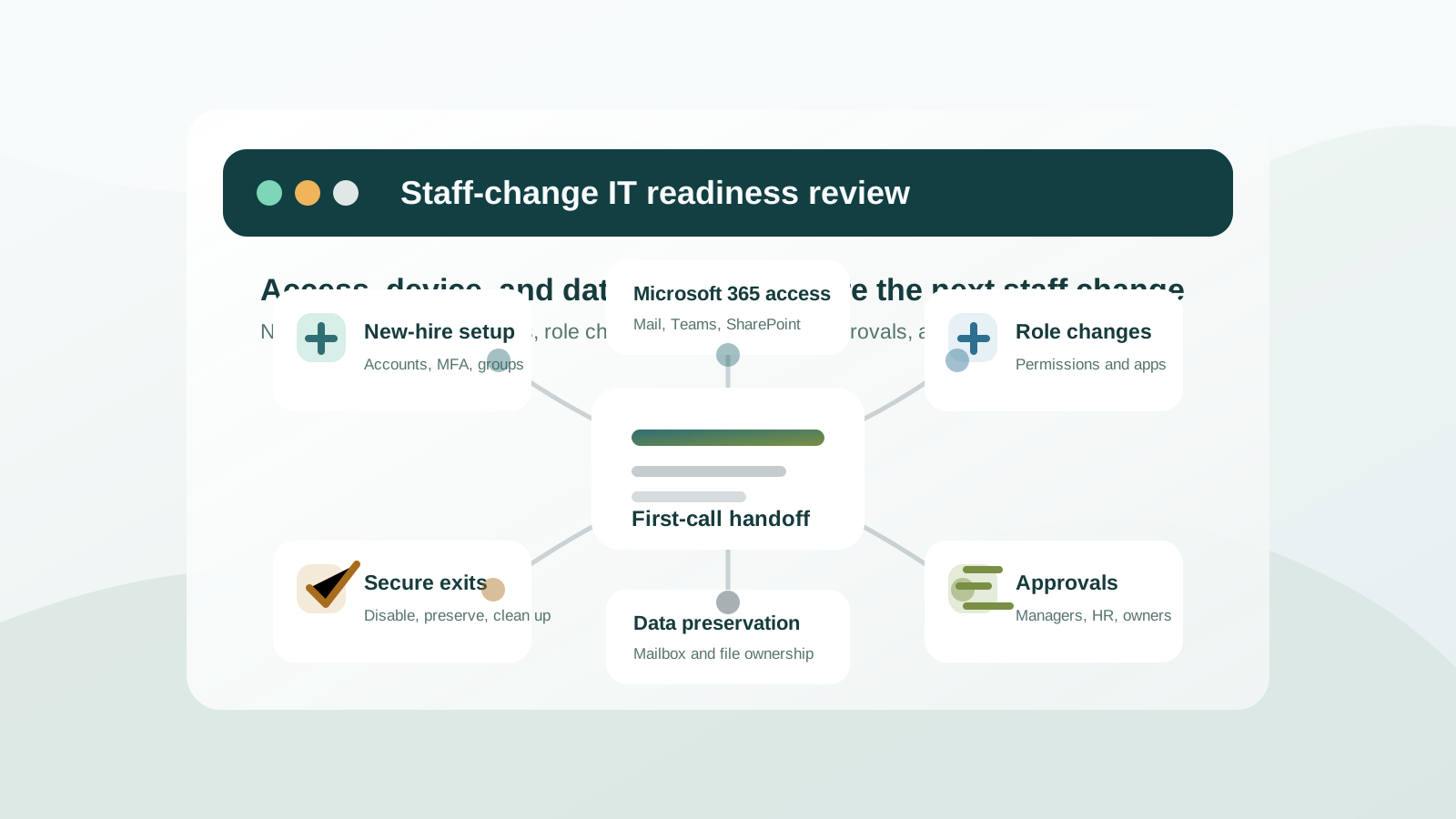
Create the right accounts, groups, MFA settings, devices, mailbox access, Teams memberships, printer access, and app permissions before the employee's first workday.

Pierce Computer Consulting helps Minnesota teams turn new hires, departures, role changes, devices, Microsoft 365 access, MFA, and license cleanup into a repeatable IT workflow instead of a last-minute scramble.
Employee changes touch more systems than most teams realize: Microsoft 365, devices, MFA, shared files, mailbox access, vendor portals, printers, security groups, line-of-business apps, and support documentation. PierceCC helps small businesses and growing teams in Minneapolis, St. Paul, Bloomington, Edina, Andover, Anoka County, and the Twin Cities build a cleaner process around those moments.
Create the right accounts, groups, MFA settings, devices, mailbox access, Teams memberships, printer access, and app permissions before the employee's first workday.
Adjust access when employees move teams, pick up new responsibilities, change locations, or need different Microsoft 365, line-of-business, network, or shared-file permissions.
Disable access, preserve business data, transfer ownership, review devices, document mailbox handoffs, and clean up licenses without losing operational context.
A sudden resignation, termination, or role change can move staff-change work from routine administration into risk reduction. PierceCC helps Minnesota teams prioritize account lockout, device ownership, data preservation, and vendor access without losing the handoff details the business still needs.
A clean handoff helps PierceCC separate quick account work from bigger Microsoft 365, device, security, vendor, or managed IT process gaps. Bring the details you already have; the first assessment can help fill in what is missing.
Some employee changes are simple help desk requests. Others reveal a larger Microsoft 365, cybersecurity, provider-scope, or managed IT gap. These paths help Minnesota buyers choose the most useful next step.
Use this path when a new hire, urgent departure, role change, Microsoft 365 concern, device handoff, or vendor-access question needs quick prioritization before you choose the right support model.
Free staff-change IT assessmentUse this path when staff changes expose mailbox, Teams, SharePoint, OneDrive, MFA, licensing, guest access, or admin-role issues.
Microsoft 365 supportUse this path when onboarding and offboarding should become a recurring operating rhythm instead of a scramble each time staff changes.
Managed IT servicesUse this path when new hires, remote staff, hybrid teams, or departing employees need fast help with accounts, devices, MFA, and cloud access.
Remote IT supportUse this path when staff turnover raises questions about stale accounts, privileged access, shared passwords, mailbox forwarding, MFA gaps, or data exposure.
Cybersecurity servicesUse this path when leadership wants to review whether staff-change processes, device ownership, vendor access, Microsoft 365, backups, and support scope are documented.
IT support assessment checklistUse this path when an MSP proposal or current provider does not clearly own onboarding, offboarding, license cleanup, device handoff, or access review steps.
Provider comparisonRemote account work is often fastest, but devices, office access, network handoffs, vendor coordination, and on-site support can still need local context across the Twin Cities and north metro. Use the right service-area path when employee IT support needs hands-on follow-through.
Route Minneapolis staff-change support into managed IT, Microsoft 365 administration, remote help desk, cybersecurity, and assessment paths.
Minneapolis employee IT supportUse the broader metro path when employees, devices, vendors, or offices span multiple Twin Cities locations.
Twin Cities staff-change supportConnect St. Paul onboarding, offboarding, access, and device-support needs to local service-area follow-through.
St. Paul IT supportRoute Bloomington new-hire, departure, Microsoft 365, security, and support-scope questions into the right local support path.
Bloomington MN IT supportConnect Edina staff-change workflows to managed IT, Microsoft 365, remote help desk, cybersecurity, and provider-comparison next steps.
Edina MN IT supportConnect north-metro onboarding, urgent offboarding, Microsoft 365 access, device handoff, and vendor coordination to local Andover and Anoka County follow-through.
Andover and Anoka County employee IT supportA practical checklist should cover Microsoft 365 licensing, email, MFA, device setup, endpoint protection, Teams and SharePoint access, printer or network access, line-of-business apps, vendor portals, backup expectations, and who approves each access request.
Offboarding should disable sign-ins, preserve mail and files when needed, transfer ownership, remove admin or vendor access, collect or wipe devices, review shared passwords, document mailbox forwarding or delegation, and clean up licenses.
Start with the highest-risk access paths: Microsoft 365 sign-ins, MFA sessions, admin roles, shared mailboxes, remote access, devices, vendor portals, and shared passwords. Then confirm what data needs to be preserved or transferred before accounts, files, or devices are cleaned up.
Yes. A free staff-change IT assessment is useful when a Minnesota team knows a new hire, departure, role change, Microsoft 365 issue, device handoff, or vendor-access question matters, but does not yet know whether the next step is managed IT, remote support, Microsoft 365 cleanup, cybersecurity, provider comparison, or a documented onboarding and offboarding workflow.
Many account, Microsoft 365, MFA, and cloud-app steps can start remotely. Device setup, pickup, network access, or office-specific work can be routed into local Twin Cities, Andover, or Anoka County support when hands-on follow-through is needed.
Turnover can leave stale accounts, unmanaged devices, mailbox forwarding, shared passwords, vendor access, and excessive permissions behind. A repeatable workflow reduces the chance that access survives longer than the business intends.
Usually, yes. Managed IT makes staff-change work repeatable because devices, licenses, access approvals, security settings, documentation, and reporting need recurring ownership rather than one-time cleanup.
Bring PierceCC into the process before the next new hire, urgent departure, role change, or licensing renewal turns into rushed account work. We will help map the access, device, Microsoft 365, security, and support steps that should be repeatable.