What IT support do Minneapolis nonprofits usually need first?
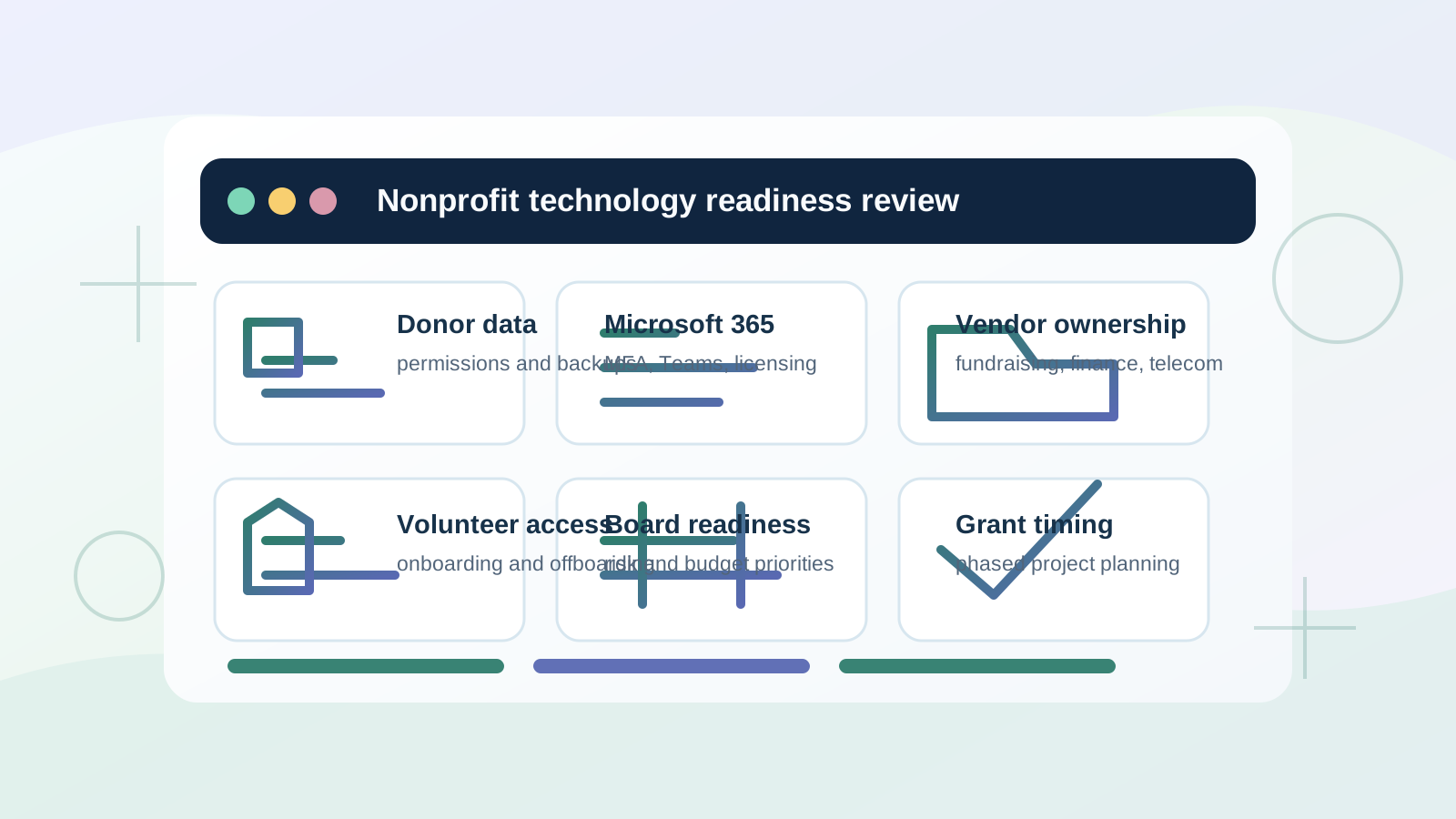
Many nonprofits need help stabilizing Microsoft 365, securing donor and staff data, supporting remote staff or volunteers, documenting vendor ownership, testing backups, and prioritizing security basics without creating enterprise-level overhead.
Do you offer a free IT assessment for nonprofits?
Yes. Minnesota nonprofits can start with the free IT assessment when they need help prioritizing Microsoft 365, donor data safeguards, staff or volunteer access, backups, cybersecurity evidence, vendor ownership, budget timing, or a provider comparison before choosing a support path.
What should we gather before the first nonprofit IT support conversation?
Gather the affected staff, board, volunteer, program, fundraising, finance, or donor workflows; office or program locations; Microsoft 365, device, network, backup, and vendor context; any ticket numbers or renewal deadlines; recent staff or system changes; timing pressure; business impact; and the person who can approve next steps.
Can PierceCC support nonprofit staff and volunteers who work remotely?
Yes. Pierce Computer Consulting helps nonprofits support secure email, MFA, Teams, SharePoint, OneDrive, device access, onboarding and offboarding, remote troubleshooting, and practical policies for staff, board members, and volunteers.
How should a nonprofit compare IT support providers or proposals?
A useful comparison should clarify response paths, Microsoft 365 ownership, cybersecurity basics, backup testing, vendor coordination, remote and on-site support, budget fit, and how support will adapt to staff, board, volunteer, grant, and program deadlines.
Do you help nonprofits with cybersecurity and donor data protection?
Yes. We focus on maintainable safeguards such as MFA, permission reviews, endpoint protection, secure email practices, backup validation, staff-change controls, and documented response steps for donor, program, finance, and operational data.
Can you help a nonprofit prepare for board or insurance technology questions?
Yes. We can help nonprofit leaders organize Microsoft 365 access, MFA coverage, endpoint protection, backup testing, vendor ownership, device lifecycle issues, and remediation priorities before board budget discussions, grant planning, or cyber insurance questionnaires. We do not promise insurance outcomes, but we can make the IT control picture clearer.
Can you help a nonprofit plan technology projects before grant or budget deadlines?
Yes. We can help nonprofit leaders scope Microsoft 365 cleanup, device replacement, security priorities, backup and recovery needs, network improvements, vendor responsibilities, and phased IT projects before budget, grant, or board-planning decisions.
Do you provide on-site nonprofit IT support in the Twin Cities?
Yes. Remote support is used for speed, with on-site visits across Minneapolis, St. Paul, Bloomington, Edina, and the Twin Cities metro when workstations, networks, devices, meeting rooms, printers, or vendor projects require hands-on support.
Can nonprofits outside Minneapolis use the same support path?
Yes. Nonprofits in St. Paul, Bloomington, Edina, Hennepin County, and the broader Twin Cities can start with remote-first support and use the local service-area route that best matches where staff, offices, program spaces, devices, vendors, or hands-on work need attention.