Recovery priorities
Identify the applications, files, devices, cloud services, and vendor systems that would stop operations, revenue, or client service first.

Pierce Computer Consulting helps Minnesota businesses prepare for outages, ransomware, accidental deletion, vendor failures, and cloud recovery gaps with backup validation, restore testing, restore-test evidence, provider-scope review, and practical continuity planning.
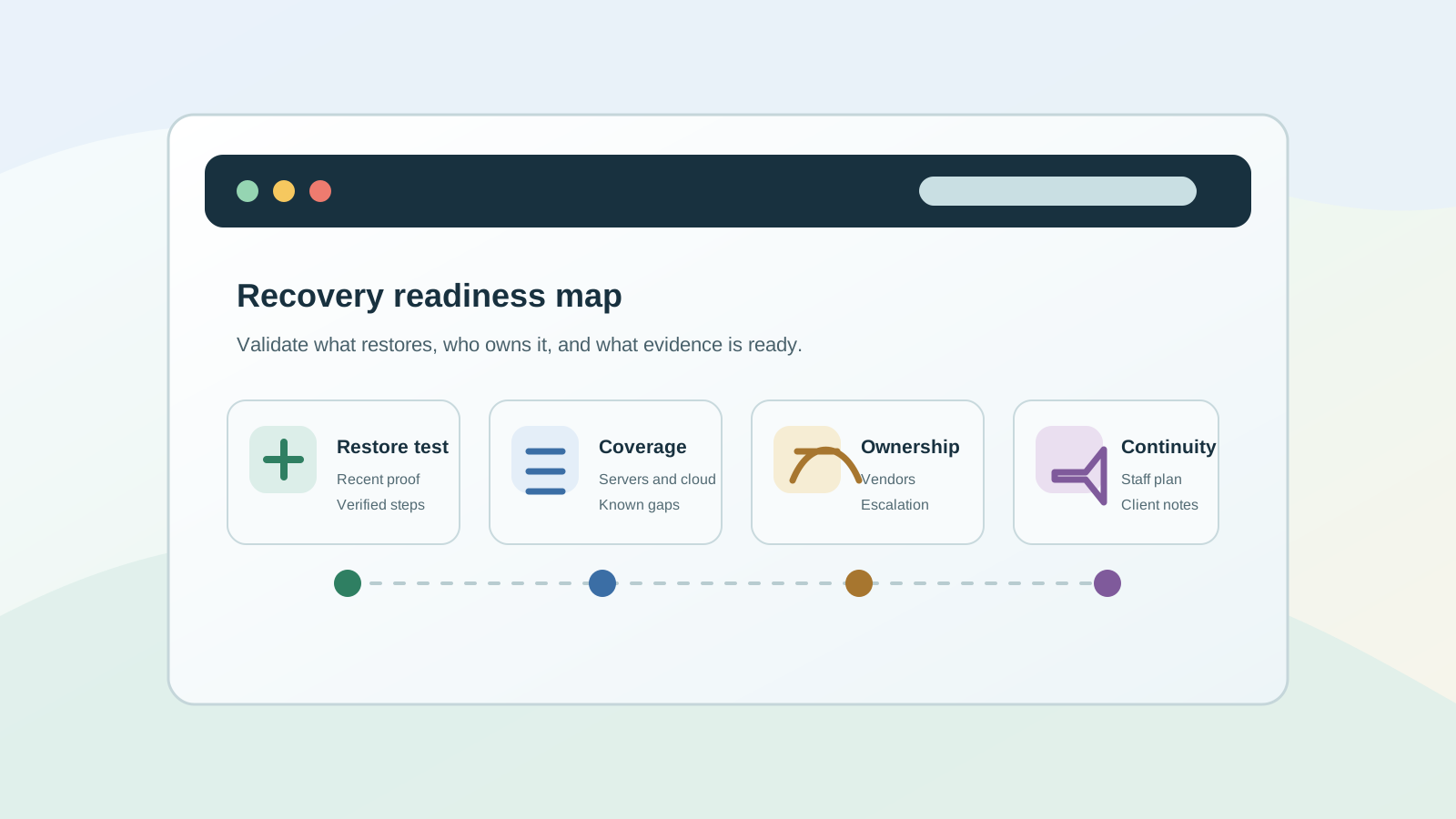
A backup tool is not the same thing as a recovery plan. Minneapolis and Twin Cities teams need to know which systems matter most, how long they can be down, who owns the response, and whether recent backups can be restored when pressure is high.
Identify the applications, files, devices, cloud services, and vendor systems that would stop operations, revenue, or client service first.
Review backup scope, retention, alerting, storage separation, restore procedures, and evidence that recovery steps have been tested.
Turn technical recovery steps into a plain-language plan for staff, leadership, vendors, insurance, and customer communication.
Recovery planning touches more than servers. We help Minnesota businesses evaluate Microsoft 365 data protection, endpoint recovery, cloud storage, vendor-hosted systems, network dependencies, provider responsibilities, and the managed IT routines needed to keep the plan current.
Many Minnesota teams have a backup product somewhere, but the risk lives in the assumptions around it. These are the gaps we look for before an outage, ransomware event, or insurance request turns them into an urgent business problem.
Backup success alerts are useful, but a recent test gives leadership better evidence that critical files, mailboxes, servers, and cloud data can actually be recovered.
Restore notes, backup screenshots, vendor reports, Microsoft 365 retention settings, and incident-response details often live in different places until an insurer, client, or leader asks for proof.
Email, Teams, SharePoint, OneDrive, retention, deleted files, and compromised accounts need clear recovery assumptions before a mistake or attack exposes the gap.
Internet, cloud software, line-of-business platforms, backup tools, phone systems, and insurance contacts should be documented before an incident forces rushed escalation.
A support agreement may mention backups without defining restore tests, Microsoft 365 retention, ransomware recovery steps, after-hours response, reporting, or vendor escalation ownership.
Renewals and questionnaires often ask about restore testing, incident response, endpoint protection, MFA, and recovery documentation that must be gathered from real operations.
Hybrid teams, cloud apps, personal workstations, shared folders, and vendor portals can spread recovery risk beyond the server or backup appliance everyone remembers.
If a leader, client, broker, or carrier asks whether backups actually work, the useful answer is not just the name of the tool. A practical evidence packet shows what was tested, what is protected, where recovery assumptions still need cleanup, and who owns the next step.
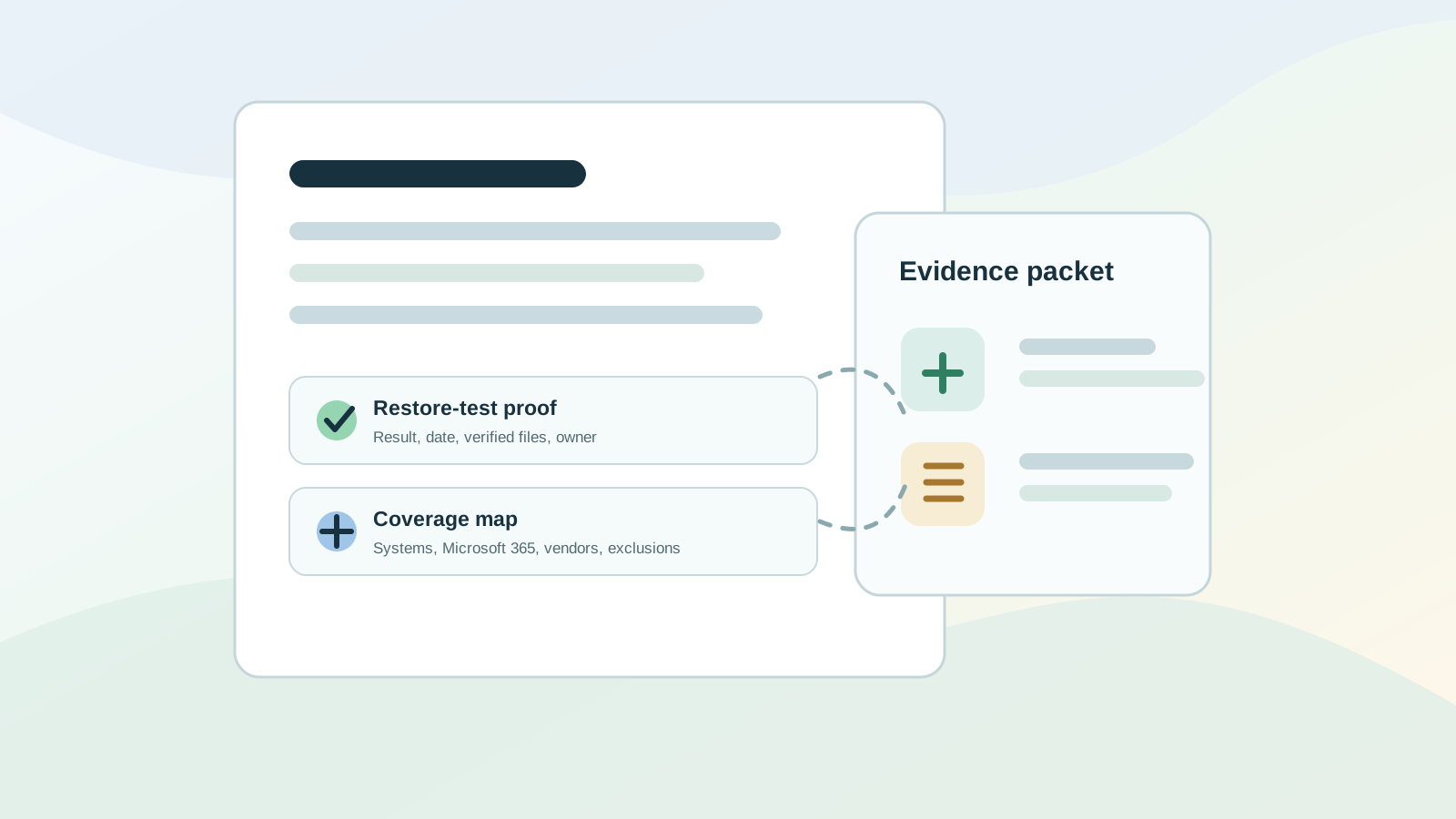
Recent restore results, screenshots or notes, what was restored, who verified it, and what still needs a cleaner recovery process.
A list of protected servers, workstations, Microsoft 365 data, cloud apps, vendor systems, retention settings, and known exclusions.
Who receives alerts, who can start a restore, who contacts vendors, who talks to leadership, and who updates insurance or client questionnaire responses.
Insurers and clients increasingly ask about MFA, endpoint protection, backup testing, recovery documentation, and incident response plans.
A failed restore, server issue, accidental deletion, or vendor outage exposes where recovery ownership and documentation are thin.
Microsoft 365, new SaaS tools, remote work, and multiple offices can spread important data across systems that need clearer recovery rules.
If backup risk touches restore testing, Microsoft 365 recovery, cyber insurance evidence, vendor ownership, provider scope, or recurring support issues, start with a free IT assessment. It gives your Minnesota team a practical first step before you commit to a tool change, project, or managed IT plan.
Backup and disaster recovery questions often start in one place and point somewhere else: an insurance renewal, a deleted file, a remote-user issue, an unclear provider proposal, or a monthly support plan that does not say who owns restore testing. These paths help Minnesota teams move toward the right follow-up.
Use the free IT assessment when backup concerns span restore testing, Microsoft 365 recovery, cyber insurance evidence, provider scope, vendor ownership, and managed IT follow-through.
Request a free recovery assessmentUse cyber insurance readiness when restore testing, incident response, MFA, endpoint protection, backup evidence, and recovery documentation need to be gathered quickly.
Prepare recovery evidenceUse emergency IT support when recovery work is tied to an active outage, accidental deletion, vendor failure, account compromise, or business interruption.
Start urgent recovery triageUse remote IT support when the first sign of recovery risk is a user issue, Microsoft 365 problem, vendor platform interruption, or recurring cloud-app ticket.
Route remote follow-upUse the provider comparison guide when backup ownership, restore testing, response expectations, project exclusions, and recovery reporting are unclear in an IT proposal.
Compare recovery scopeUse pricing and scope guidance when leadership needs to understand what backup monitoring, restore tests, Microsoft 365 recovery, and incident follow-up should include.
Review backup scope factorsUse managed IT services when backup checks, restore tests, documentation, vendor coordination, security follow-through, and leadership reporting should become routine.
Add managed IT ownershipRecovery planning often depends on where systems, staff, offices, vendors, and hands-on escalation actually live. These local paths help Minneapolis, St. Paul, Bloomington, Edina, Andover, Anoka County, Hennepin County, and broader Twin Cities teams connect backup review to the right service-area conversation.
Use the Minneapolis IT support path when city-based teams need backup validation, ransomware recovery planning, Microsoft 365 recovery assumptions, provider-scope review, or managed IT follow-through.
Review Minneapolis IT supportUse the Twin Cities path when recovery planning spans Minneapolis, St. Paul, Bloomington, Edina, Andover, Anoka County, multiple offices, remote staff, vendors, and local escalation needs.
Plan Twin Cities coverageUse the St. Paul path when east-metro teams need restore testing, Microsoft 365 recovery review, cybersecurity follow-through, vendor coordination, or local IT support context.
Review St. Paul IT supportUse the Bloomington path for south-metro and Hennepin County teams comparing backup coverage, managed IT ownership, recovery evidence, cybersecurity controls, or provider scope.
Review Bloomington IT supportUse the Edina path when west-metro offices need a clearer local route for backup checks, restore testing, Microsoft 365 recovery, device recovery, vendors, or recovery planning.
Review Edina IT supportUse the Andover path when north-metro teams need local follow-through for backup validation, restore testing, Microsoft 365 recovery, ransomware planning, vendors, or managed IT ownership.
Review Andover IT supportBackup and recovery planning is strongest when it is connected to the rest of your IT operating model. Use these paths when recovery work points to broader support, risk, urgent response, provider comparison, pricing scope, local coverage, or a first assessment of what is actually protected.
A practical plan should identify critical systems, define recovery priorities, document backup locations, test restores, protect Microsoft 365 data where needed, assign incident roles, and explain how the business will communicate during an outage or ransomware event.
Yes. Cloud platforms improve availability, but businesses still need retention settings, access controls, recovery procedures, and backup decisions for deleted files, compromised accounts, vendor outages, and ransomware scenarios.
Backups should be tested on a recurring schedule and after major system changes. The right cadence depends on how quickly the business must recover, how often data changes, and which systems would stop revenue, operations, or client service if unavailable.
Gather the most recent restore-test notes, backup job status, protected systems list, Microsoft 365 retention assumptions, vendor contacts, recovery priorities, incident-response notes, and any cyber insurance or client questionnaire language asking how recovery is documented.
Yes. Pierce Computer Consulting can review existing backup coverage, restore-test evidence, Microsoft 365 recovery assumptions, vendor responsibilities, alerting, retention settings, and recovery documentation before recommending a tool change or managed IT plan.
Yes. A backup and recovery review can clarify whether the gap is backup tooling, Microsoft 365 retention, restore testing, documentation, vendor ownership, response expectations, or the current IT support scope before a business changes products or providers.
Yes. If you are not sure whether the first step is restore testing, Microsoft 365 recovery review, cyber insurance evidence, provider comparison, emergency follow-up, or managed IT ownership, a free IT assessment can help prioritize the recovery gaps before a larger project or support plan is scoped.
Yes. After an outage, deletion, account compromise, vendor incident, or recurring remote-support issue, PierceCC can help document what happened, confirm what can be restored, and route the follow-up into emergency stabilization, managed IT, cybersecurity, Microsoft 365 support, or provider comparison when needed.
Yes. Managed IT is often the best way to keep recovery planning current because backup checks, restore tests, documentation, alerting, vendor coordination, and leadership reporting become part of normal operations instead of a one-time project.
Yes. PierceCC supports Minneapolis, St. Paul, Bloomington, Edina, Andover, Anoka County, Hennepin County, and broader Twin Cities businesses with remote-first recovery reviews and local follow-through when restore testing, network gear, devices, vendors, or office systems need hands-on coordination.
Share what systems matter most, what backup tools are already in place, what restore evidence you have, and what outage, ransomware, Microsoft 365, or provider-scope scenario worries you. We will help turn it into a practical recovery plan for your Minneapolis or Twin Cities team.