Microsoft 365 and access controls
Review MFA, admin roles, email security, Teams and SharePoint access, OneDrive sharing, licensing, onboarding, offboarding, and mailbox ownership around client-service workflows.

Pierce Computer Consulting supports Minneapolis, Bloomington, Edina, and Twin Cities financial advisors, insurance agencies, wealth management offices, and finance teams with secure Microsoft 365 administration, responsive help desk coverage, client data safeguards, backup validation, vendor coordination, practical security evidence support, and free IT assessment routing when leaders need help choosing the right first step.
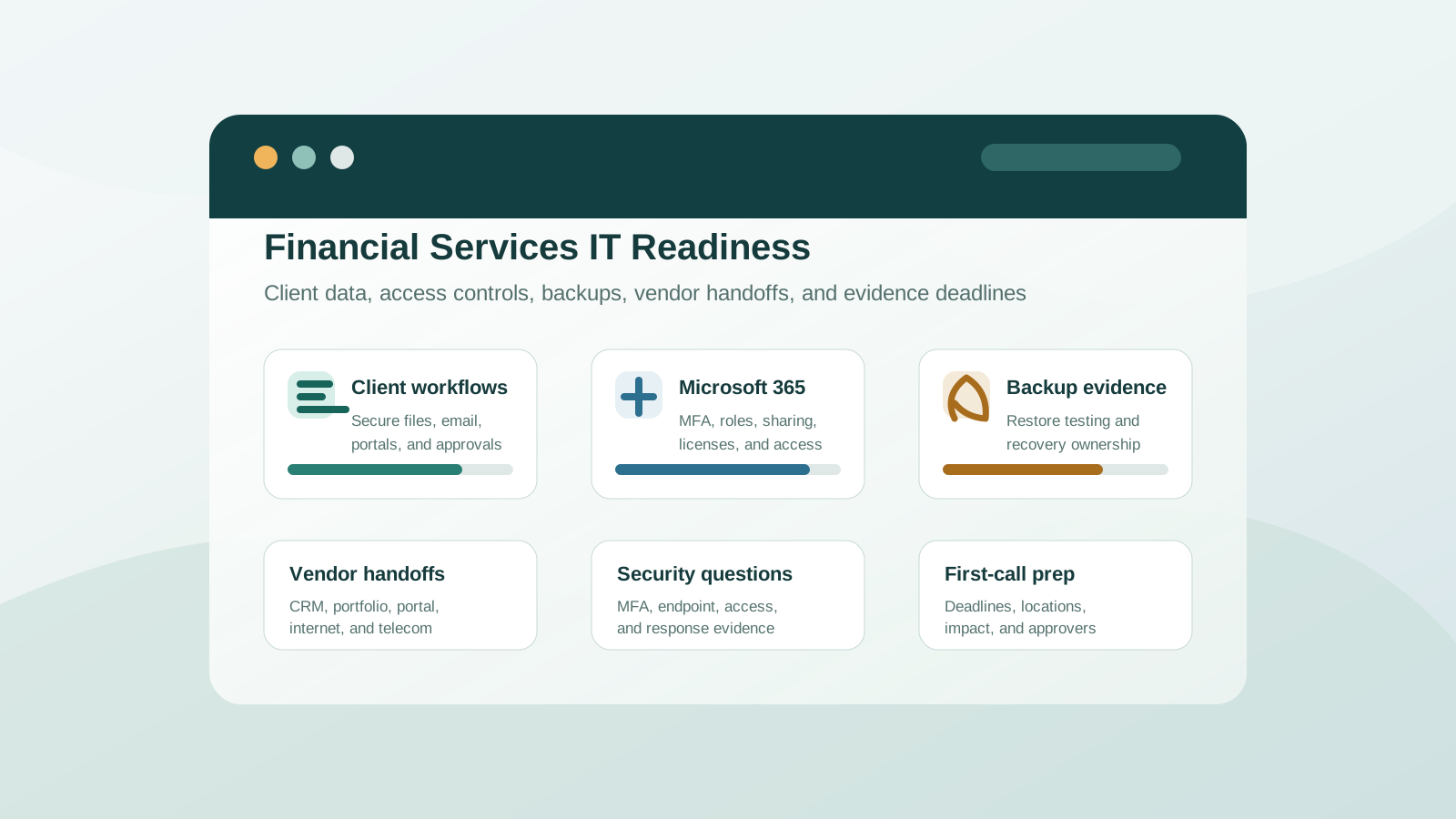
Financial services teams need support that keeps client conversations, documents, email, phones, portals, and internal operations moving while tightening the controls around sensitive information. PierceCC helps translate that pressure into practical IT work the team can maintain.
Review MFA, admin roles, email security, Teams and SharePoint access, OneDrive sharing, licensing, onboarding, offboarding, and mailbox ownership around client-service workflows.
Confirm workstation health, endpoint protection, backup scope, restore expectations, Microsoft 365 recovery assumptions, and the systems that need the fastest recovery path.
Document who owns support across financial, insurance, CRM, document, payroll, portal, telecom, internet, and device vendors so leaders are not stuck managing every handoff.
Minnesota financial and insurance teams often need IT answers before a client review, cyber insurance renewal, vendor request, staff change, or provider decision. A focused readiness review helps leadership separate confirmed controls from assumptions while there is still time to fix gaps.
If the firm is not sure whether the next step is Microsoft 365 cleanup, cyber insurance evidence, backup validation, vendor coordination, provider comparison, or managed IT support, the free assessment gives PierceCC the context needed to route the work toward the safest first move.
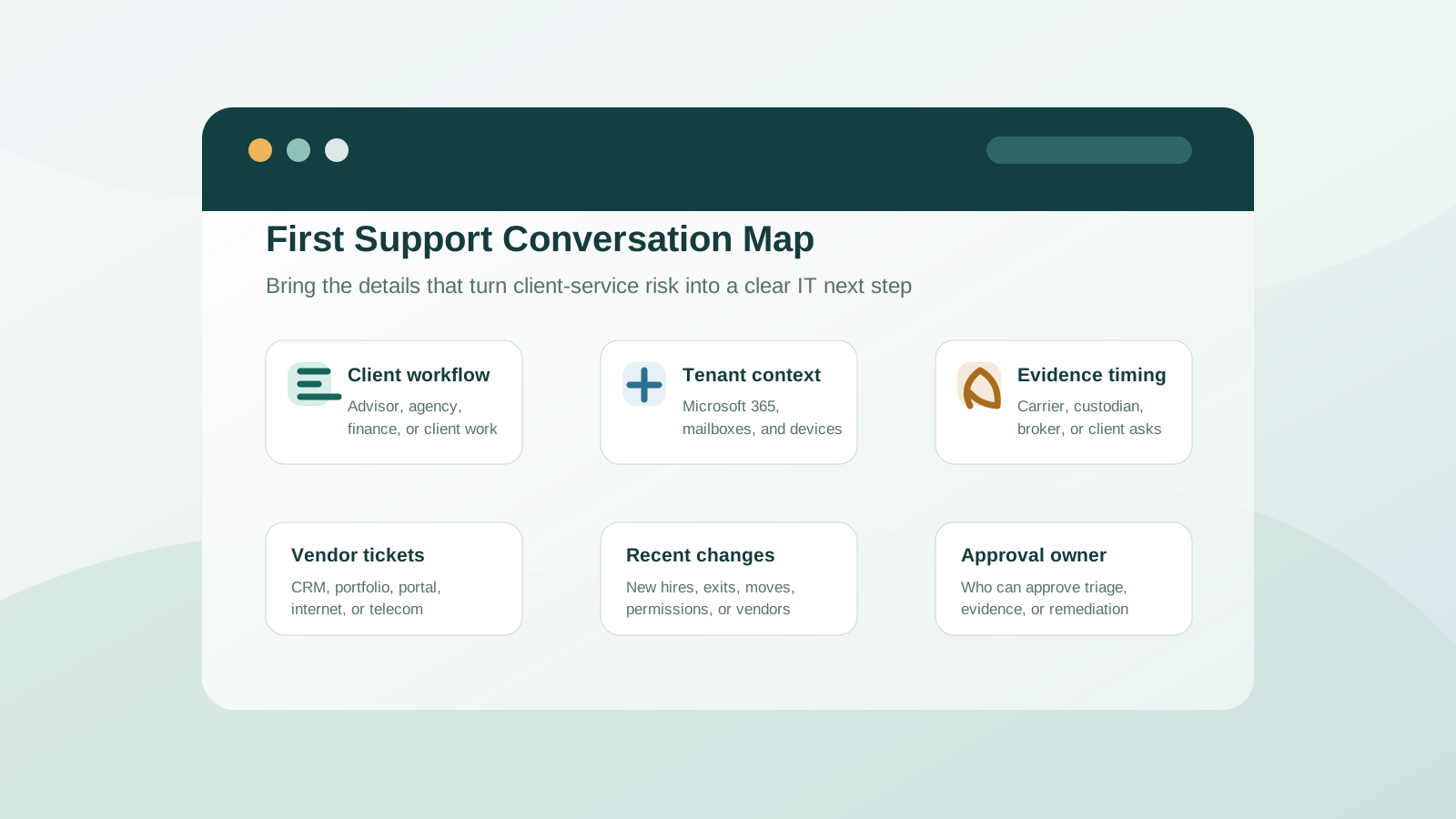
Financial services IT requests often involve client deadlines, regulated workflows, multiple vendors, branch or remote staff, and sensitive access decisions. Bringing the right context into the first conversation helps PierceCC route the work toward triage, vendor coordination, security evidence, recovery planning, a free assessment, or a managed support plan faster.
A firm answering a security questionnaire has different needs than one replacing a provider, cleaning up Microsoft 365, validating recovery, or dealing with a client-service disruption. These paths help Minnesota finance and insurance teams move into the most useful conversation.
Start with the free assessment when client data safeguards, Microsoft 365 security, vendor ownership, backup evidence, support scope, and provider questions need to be prioritized together.
Request a free IT assessmentUse the assessment checklist when workstations, Microsoft 365, backups, security controls, vendors, remote access, and support gaps need to be organized before choosing a plan.
Review firm IT readinessUse cyber insurance readiness when a carrier, client, custodian, or vendor asks about MFA, endpoint protection, access reviews, backups, Microsoft 365 controls, or incident response.
Prepare security evidenceUse Microsoft 365 support when Teams, SharePoint, OneDrive, mailboxes, permissions, licensing, onboarding, offboarding, or guest access create risk around client workflows.
Clean up Microsoft 365Use provider-comparison and pricing guidance when support scope, response expectations, project boundaries, security responsibilities, and recurring costs need to be clearer.
Compare IT support providersUse backup and disaster recovery planning when leadership needs restore testing, retention, Microsoft 365 recovery assumptions, and vendor ownership documented before an outage.
Validate recovery readinessUse emergency IT support when a workstation, Microsoft 365, internet connection, printer, phone, remote access path, or vendor-dependent application interrupts client work.
Start urgent triageRemote support can start quickly, but financial services IT often needs local context when devices, office networks, vendors, security evidence, Microsoft 365 access, or office changes affect client-service workflows.
Use the Minneapolis support path when advisors, insurance offices, finance teams, vendors, devices, Microsoft 365, security evidence, or backup concerns need a local service plan.
Review Minneapolis IT supportUse the Twin Cities path when staff, vendors, branch offices, client-service systems, or leadership are spread across Minneapolis, St. Paul, and nearby suburbs.
Explore Twin Cities IT supportUse the St. Paul path when financial, insurance, or professional-services workflows need east-metro support routing for remote help, Microsoft 365, security, or recovery.
Review St. Paul IT supportUse the Bloomington path when financial services teams need local follow-through for devices, Microsoft 365, remote work, vendor coordination, security evidence, or recovery planning.
Review Bloomington IT supportUse the Edina path when advisor offices, insurance agencies, wealth teams, or Hennepin County professional-services firms need local IT support context.
Review Edina IT supportMany financial advisors, insurance agencies, and finance teams start with Microsoft 365 security, MFA, secure client file sharing, workstation reliability, backup validation, device management, email protection, and a clear help desk path for staff who handle sensitive client information.
Yes. A free IT assessment is a practical first step when a firm needs help sorting Microsoft 365 security, client data safeguards, vendor ownership, backup assumptions, security evidence, recurring tickets, or provider-scope questions before choosing a support plan.
Yes. PierceCC supports Minnesota financial, insurance, and professional-services teams with remote-first help desk coverage and Twin Cities local follow-through when Microsoft 365, devices, office networks, vendors, backups, security evidence, or office access need hands-on coordination.
Yes. We help organize technical evidence around MFA, endpoint protection, backup testing, access reviews, Microsoft 365 controls, device safeguards, vendor ownership, and incident-response readiness. Final answers should still be reviewed by the business owner, broker, carrier, or compliance advisor as appropriate.
Useful first-call details include the affected client-service workflow, locations or remote staff involved, Microsoft 365 and device context, vendor ticket numbers, recent access or system changes, backup or security evidence deadlines, business impact, and who can approve next steps.
Yes. We support Outlook, Teams, SharePoint, OneDrive, MFA, admin roles, licensing, onboarding, offboarding, shared mailboxes, permissions, email security, and secure collaboration workflows for Minnesota financial and insurance teams.
Yes. We help document vendor contacts, clarify escalation ownership, support the local devices and networks those platforms depend on, and coordinate with application vendors when planning, portfolio, CRM, quoting, document, payroll, telecom, or portal systems need attention.
Yes. Remote support is often the fastest path for Microsoft 365, user access, workstation, printer, vendor portal, and recurring help desk issues, with Twin Cities on-site escalation when networks, devices, office moves, or vendor projects require hands-on work.
Yes. We can help leaders compare response expectations, security ownership, Microsoft 365 administration, backup testing, vendor coordination, on-site escalation, reporting, project boundaries, and pricing assumptions before renewing or replacing an IT provider.
Share the affected workflow, location, Microsoft 365 or device context, vendor ticket, security evidence deadline, recent access changes, timing pressure, and approval owner. We will help map the safest next step for your Minneapolis, Bloomington, Edina, or Twin Cities team.