What IT support do Minneapolis construction companies usually need first?
Many construction companies need help stabilizing Microsoft 365, project-file access, jobsite and office connectivity, device support, backups, cybersecurity basics, user onboarding, and vendor coordination across estimating, project management, accounting, field, and leadership teams.
Can PierceCC support field crews and office staff together?
Yes. Pierce Computer Consulting helps construction teams support office users, remote leaders, field supervisors, shared tablets, laptops, mobile access, email, Teams, SharePoint, OneDrive, printers, networks, and vendor-dependent applications.
How do you approach cybersecurity for construction businesses?
We focus on practical safeguards construction teams can maintain, including MFA, secure email practices, endpoint protection, permission reviews, backup testing, device lifecycle planning, and documented response steps for project, finance, and client data.
Can you help with project file access and Microsoft 365 cleanup?
Yes. We can help organize Microsoft 365, Teams, SharePoint, OneDrive, permissions, groups, licensing, onboarding, offboarding, and file access so project teams can find the right information without creating avoidable security gaps.
Can you help before a new jobsite, office move, or project startup?
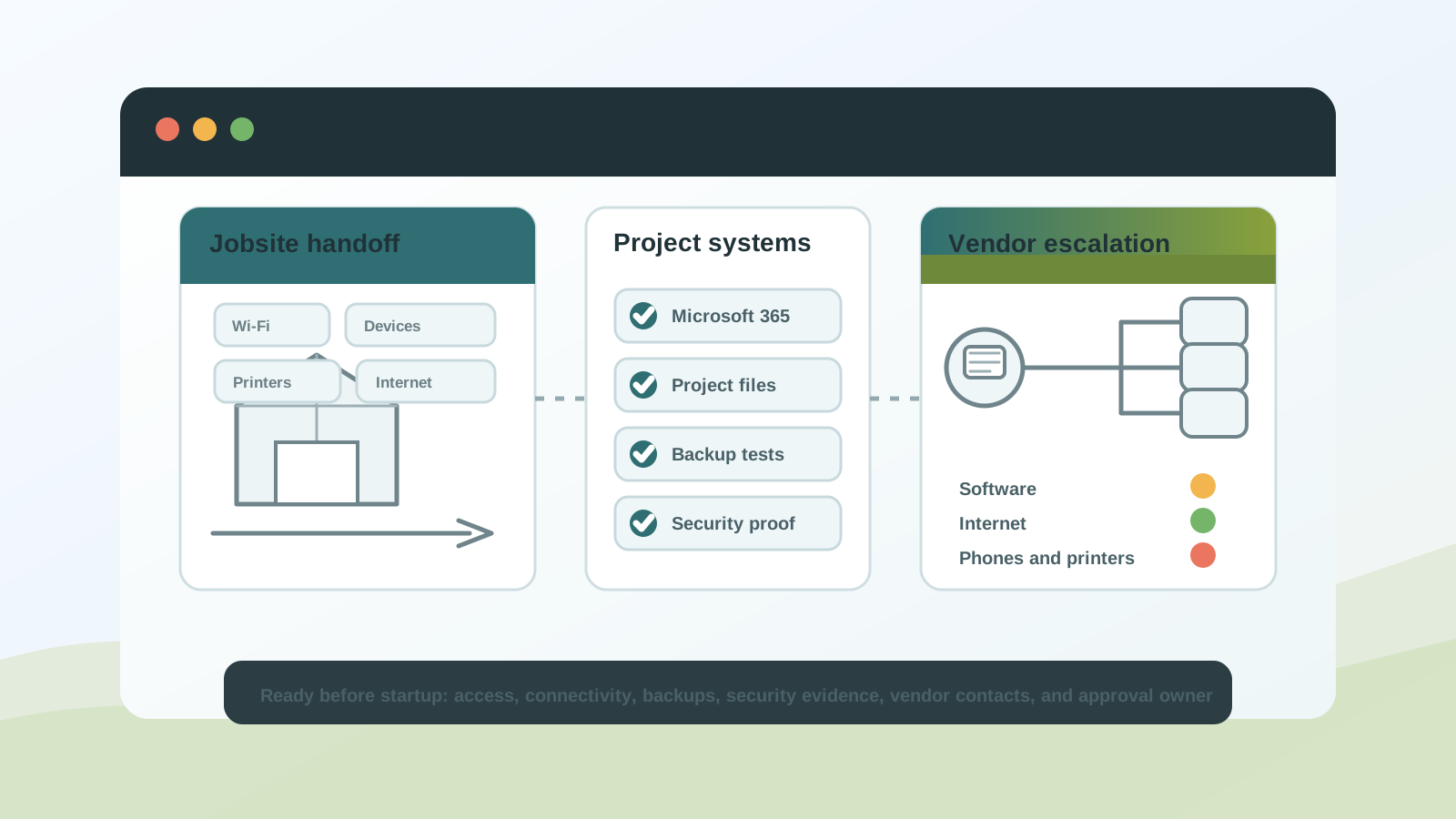
Yes. We help construction teams review connectivity, devices, printers, shared folders, Microsoft 365 access, vendor contacts, and escalation paths before a project startup, office move, trailer setup, or seasonal field ramp-up creates preventable delays.
What should we gather before the first construction IT support call?
Bring the affected office, jobsite, trailer, crew, devices, software or vendor ticket, exact symptoms, recent changes, project deadline, business impact, and the person who can approve emergency or project decisions. That context helps PierceCC route the request into remote triage, vendor coordination, networking, recovery review, local escalation, a free IT assessment, or managed IT planning faster.
Can you review a construction IT provider, proposal, or support scope?
Yes. We can help Minnesota construction leaders compare support scope, project coverage, remote and on-site response paths, Microsoft 365 ownership, backup monitoring, cybersecurity responsibilities, vendor handoffs, and pricing assumptions before they replace a provider or sign a new agreement.
Can a construction company start with a free IT assessment?
Yes. A free IT assessment is useful when the issue spans jobsites, project files, Microsoft 365, vendors, backups, security questions, devices, pricing, or provider scope and your team needs help deciding which support path should come first.
Can you help with cyber insurance or client security questions?
Yes. We help document and improve the IT controls behind security questionnaires, including MFA, endpoint protection, backup testing, access reviews, device ownership, email security, and vendor-dependent systems. We do not promise insurance outcomes, but we can help your team understand the technology evidence and remediation work involved.
Do you provide on-site construction IT support in the Twin Cities?
Yes. Remote support is used for speed, with on-site visits across Minneapolis, St. Paul, Bloomington, Edina, Hennepin County, and the Twin Cities metro when networks, devices, Wi-Fi, printers, jobsite technology, or vendor projects require hands-on support.