Before lease, remodel, or move dates lock in
The safest time to plan IT is before vendors, floor plans, and move weekends become fixed. This is where cabling, internet, phones, Wi-Fi, user access, and support ownership should be mapped together.

Pierce Computer Consulting helps Minnesota businesses plan the IT side of office moves, remodels, buildouts, and expansions so cabling, Wi-Fi, VoIP phones, internet service, Microsoft 365 access, devices, vendors, cybersecurity, backups, and support coverage are ready before the team arrives.
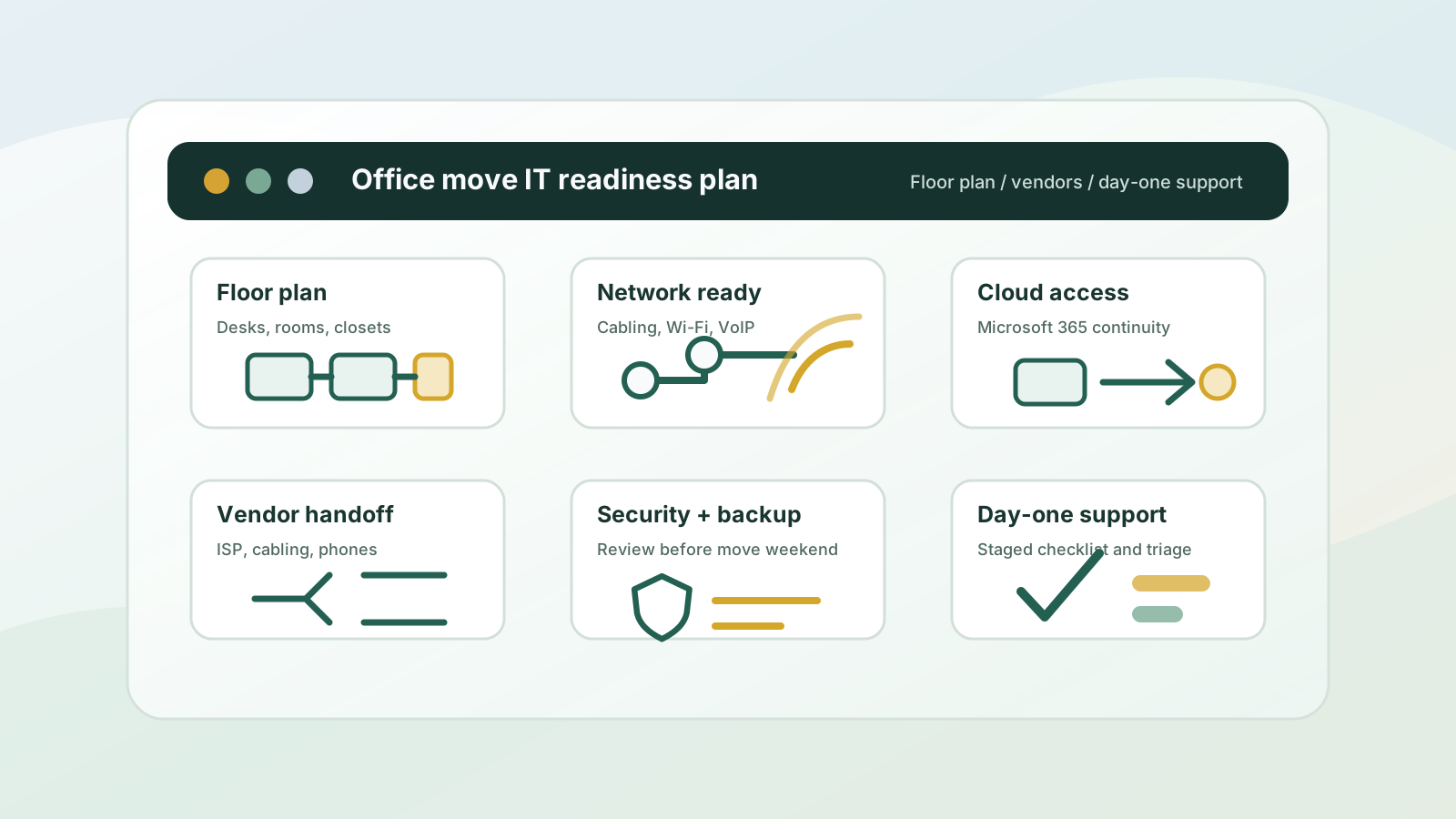
Office moves create qualified IT risk because multiple vendors, systems, and timelines have to line up. A move plan should make the new space easier to support, not just transfer old problems to a new address.
If the move affects cabling, Wi-Fi, VoIP, Microsoft 365, vendors, backup evidence, security controls, remote users, or day-one support, PierceCC can help sort the risk before the project turns into separate tickets and disconnected vendor conversations.
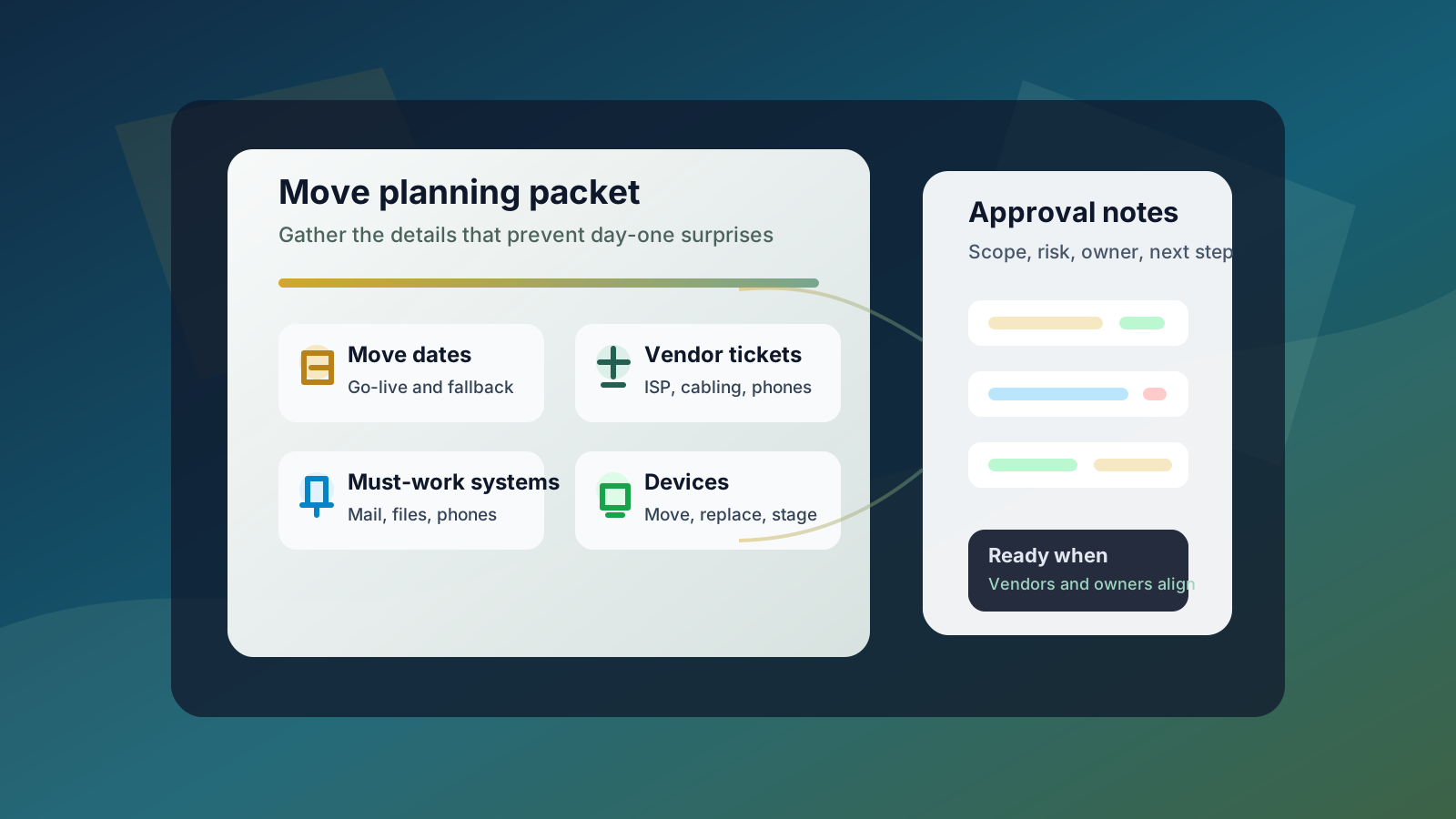
A stronger first conversation starts with the details that usually cause move-weekend surprises. Bring as much of this context as you have so the first plan can separate urgent handoffs from work that can be staged.
The safest time to plan IT is before vendors, floor plans, and move weekends become fixed. This is where cabling, internet, phones, Wi-Fi, user access, and support ownership should be mapped together.
Most office move problems come from handoffs. A practical plan keeps network, phone, internet, hardware, cloud, security, and vendor work connected instead of isolated.
The first week should surface small misses, not major downtime. Follow-through turns a move project into a stable support environment.
The safest time to plan IT is before vendors, floor plans, and move weekends become fixed. This is where cabling, internet, phones, Wi-Fi, user access, and support ownership should be mapped together.
Most office move problems come from handoffs. A practical plan keeps network, phone, internet, hardware, cloud, security, and vendor work connected instead of isolated.
The first week should surface small misses, not major downtime. Follow-through turns a move project into a stable support environment.
The strongest office move plan connects the relocation project to the support model the business needs afterward. Use these paths to keep the work focused.
Start here when the move has several IT unknowns and you need PierceCC to help prioritize cabling, vendors, Microsoft 365 access, security, recovery, support scope, and day-one readiness before committing to a larger project.
Review this pathUse this path when the move depends on cabling, Wi-Fi, switches, phones, internet handoffs, or network vendor coordination.
Review this pathUse this path when leadership needs a practical move roadmap, vendor review, project scope, or technology decision support before committing.
Review this pathUse this path when a current provider, move proposal, or new MSP agreement does not clearly explain response paths, security ownership, vendor handoffs, and post-move support.
Review this pathUse this path when the move budget needs to separate monthly support, project work, cabling, security remediation, remote help desk, and move-weekend coverage.
Review this pathUse this path when remote staff, move-weekend users, Microsoft 365 access, printer setup, vendor handoffs, or recurring tickets need quick triage around the relocation.
Review this pathUse this path when mail, Teams, SharePoint, OneDrive, accounts, licenses, onboarding, or access controls are part of the move risk.
Review this pathUse this path when device moves, file access, Microsoft 365 data, server changes, vendor systems, or old equipment make recovery assumptions worth checking before move weekend.
Review this pathUse this path when the move changes MFA, endpoint protection, admin access, device ownership, backups, network controls, or evidence for carrier and client security questions.
Review this pathUse this path when the move exposes recurring support, documentation, monitoring, vendor, backup, or security ownership gaps.
Review this pathUse this resource to organize current downtime, vendor, security, Microsoft 365, recovery, and network concerns before the move plan is finalized.
Review this pathWhen the move also depends on local follow-through, route the project into the service-area page that best matches the office, vendor, staff, or property footprint.
Use the city-level path when a Minneapolis move, remodel, suite change, or buildout needs practical IT planning tied to local support after move weekend.
Review local supportUse the metro path when staff, vendors, offices, or property locations span Minneapolis, St. Paul, Bloomington, Edina, Andover, Anoka County, and nearby suburbs.
Review local supportUse the St. Paul path when relocation planning, remote support, Microsoft 365, networking, or post-move support needs an east-metro service-area lens.
Review local supportUse the Bloomington path when a south-metro or Hennepin County office move needs local follow-through for cabling, Wi-Fi, vendors, devices, and Microsoft 365 access.
Review local supportUse the Edina path when a west-metro office move, remodel, or professional-services suite change needs local IT planning and support continuity.
Review local supportUse the north-metro path when an Andover or Anoka County move, remodel, buildout, or office expansion needs local follow-through for cabling, Wi-Fi, vendors, devices, Microsoft 365 access, and day-one support.
Review local supportInvolve IT as soon as floor plans, move dates, cabling needs, internet service, or phone requirements are being discussed. Early planning helps prevent day-one problems with Wi-Fi, phones, Microsoft 365 access, printers, shared devices, vendors, remote users, security controls, and support coverage.
Bring the move date, floor plan, desk and room counts, vendor contacts, internet or cabling tickets, VoIP and access-control details, systems that must work on day one, remote-user needs, devices being moved or replaced, known pain points, security or backup concerns, budget constraints, and the decision owner for vendor approvals.
Yes. Pierce Computer Consulting can help Minnesota businesses clarify vendor responsibilities, coordinate technical handoffs, document what each vendor owns, and connect cabling, internet, VoIP, Wi-Fi, devices, security, backups, and cloud access into one practical move plan.
Yes. The free IT assessment is useful when the move has several unknowns and the business needs help deciding whether the first priority is cabling, Wi-Fi, VoIP, internet handoffs, Microsoft 365 access, security, backup validation, vendor coordination, provider comparison, or day-one support coverage.
Many planning and cloud tasks can start remotely, but on-site work is often useful for network closets, switches, access points, device placement, conference rooms, printers, phones, cabling verification, and move-weekend support across Minneapolis, St. Paul, Bloomington, Edina, Andover, Anoka County, and the Twin Cities metro.
Yes. PierceCC supports office move planning for Bloomington, Edina, Minneapolis, St. Paul, Andover, Anoka County, Hennepin County, and broader Twin Cities teams when cabling, Wi-Fi, internet handoffs, Microsoft 365 access, vendors, devices, security, backups, and post-move support need local follow-through.
No. Smaller moves, remodels, subleased spaces, new operatories, warehouse changes, nonprofit program spaces, leasing offices, and office expansions can still create IT risk when internet, phones, Wi-Fi, Microsoft 365, shared devices, vendors, and support ownership are not planned together.
Yes. We can help compare whether a move proposal clearly covers cabling, Wi-Fi, internet handoffs, phones, Microsoft 365 access, device setup, remote support, security review, backup validation, vendor responsibilities, and post-move support ownership.
Yes. A move changes devices, networks, admin access, vendors, physical spaces, and sometimes cloud workflows. It is a useful time to review MFA, endpoint protection, backup evidence, recovery assumptions, admin accounts, and cyber insurance documentation before the new office becomes the new normal.
Share the move timeline, floor plan, vendor list, tickets or quotes, must-work systems, current pain points, security or backup concerns, and decision owner. Pierce Computer Consulting can help turn the move into a practical IT checklist for your Minneapolis, Bloomington, Edina, St. Paul, Andover, Anoka County, or Twin Cities team.